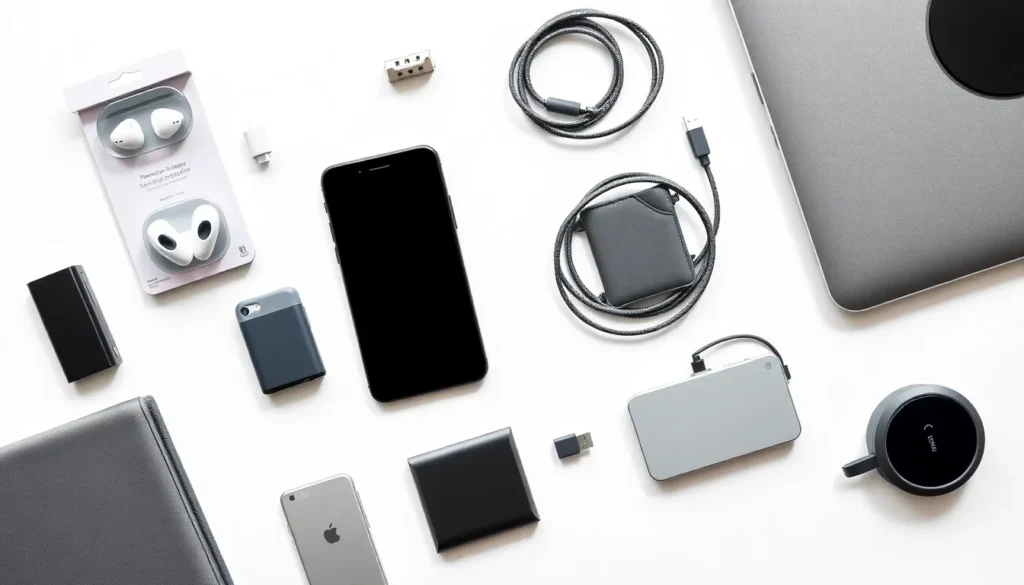
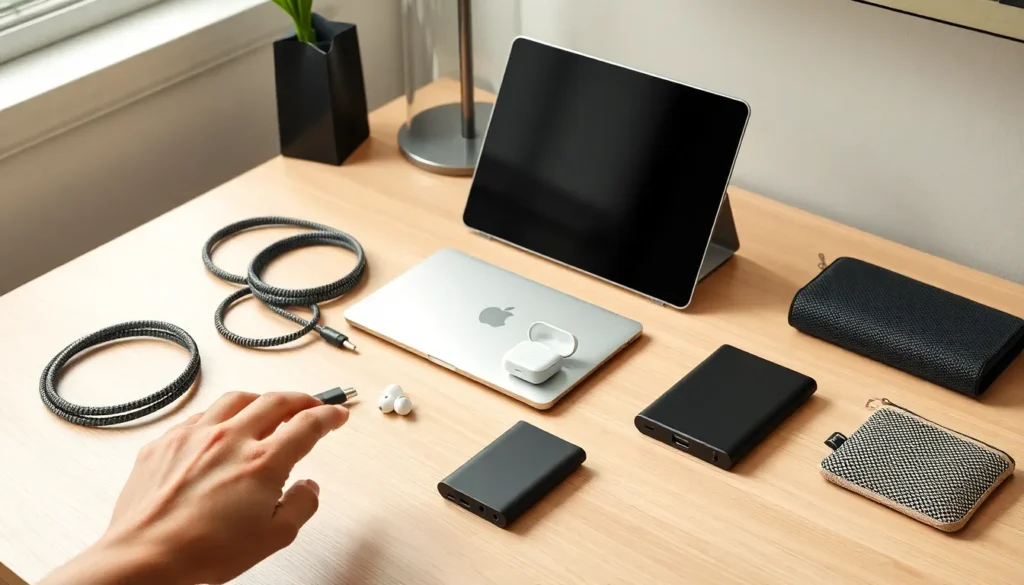

Tech accessories tips can save buyers time, money, and frustration. The right charger, case, or cable makes daily life smoother. The wrong one creates headaches and extra expenses.
Most people own dozens of tech accessories. They buy phone cases, wireless earbuds, laptop stands, charging cables, and screen protectors. Yet many shoppers grab whatever looks decent without much thought. This approach leads to drawers full of tangled cables and gadgets that stopped working months ago.
Smart accessory choices come down to three things: picking the right products, using them correctly, and maintaining them over time. This guide covers practical tech accessories tips that help readers get more value from every purchase. Whether someone needs a new portable charger or wants their current gear to last longer, these strategies deliver real results.
Table of Contents
ToggleKey Takeaways
- Always verify compatibility before buying tech accessories to avoid returns and wasted money.
- Invest in quality materials like braided cables and reinforced connectors—they outlast cheap alternatives and save money long-term.
- Protect your accessories from heat, moisture, and improper handling to extend their lifespan significantly.
- Create dedicated storage zones and use travel pouches to keep cables and gadgets organized and easy to find.
- Read customer reviews focusing on durability and real-world use cases before making any purchase.
- Match your tech accessories to your lifestyle—travelers need compact gear while home office setups benefit from larger, stationary options.
Choosing the Right Tech Accessories for Your Needs
Picking the right tech accessories starts with understanding actual needs. Many buyers fall into the trap of purchasing items based on brand recognition or flashy marketing alone. A better approach focuses on compatibility, quality, and intended use.
Check Compatibility First
Compatibility should top every buyer’s checklist. A USB-C cable won’t help someone with a Lightning port device. Wireless chargers vary in wattage, and not all support fast charging for every phone model. Before purchasing any tech accessory, readers should verify it works with their specific devices.
Manufacturer websites list compatible products. Third-party accessories often include compatibility charts on packaging or product pages. Taking two minutes to confirm compatibility prevents returns and disappointment.
Prioritize Build Quality
Cheap tech accessories often cost more in the long run. A $5 charging cable might fray within weeks. A $15 cable with braided nylon shielding can last years. The same principle applies to cases, stands, adapters, and audio gear.
Look for materials like reinforced connectors, aluminum housings, and quality plastics. Read customer reviews that mention durability. Products with thousands of positive reviews about longevity typically deliver better value than budget options with mixed feedback.
Match Features to Usage Patterns
Someone who travels weekly needs different tech accessories than someone who works from home. Frequent travelers benefit from compact, multi-port chargers and durable cable organizers. Home office workers might prioritize larger laptop stands and desktop charging stations.
Think about where and how the accessory will be used. A bulky battery pack with massive capacity makes sense for camping trips. For daily commutes, a slim power bank that fits in a pocket works better.
Essential Tips for Extending Accessory Lifespan
Tech accessories tips for longevity focus on proper handling and smart usage habits. Most accessories fail prematurely due to user behavior, not manufacturing defects.
Handle Cables with Care
Cables suffer the most abuse. People yank them from ports, wrap them too tightly, and bend them at sharp angles. These habits damage internal wiring and shorten cable life significantly.
The right approach involves pulling cables by the connector, not the cord. Loose coils prevent stress on internal wires. Velcro ties or cable clips keep cables organized without creating damaging kinks.
Manage Heat and Moisture
Heat degrades batteries, adhesives, and electronic components. Leaving a portable charger in a hot car can permanently reduce its capacity. Screen protectors may peel when exposed to excessive warmth.
Moisture presents similar risks. Even “water-resistant” earbuds benefit from drying time after workouts. Silica gel packets stored with tech accessories absorb humidity and prevent corrosion.
Clean Accessories Regularly
Dirt, dust, and oils accumulate on tech accessories. Charging ports clogged with lint cause connection issues. Greasy fingerprints on cases look bad and can degrade materials over time.
A soft microfiber cloth handles most cleaning tasks. Isopropyl alcohol works for stubborn grime on hard surfaces. Compressed air clears debris from ports and crevices. Regular cleaning keeps accessories functioning and looking new.
Organizing and Storing Your Tech Accessories
Organization transforms tech accessory management. A simple system prevents lost items, tangled cables, and forgotten purchases.
Create Dedicated Storage Zones
Designate specific spots for different accessory types. A drawer divider can separate cables by type. A small basket might hold portable chargers and adapters. Wall-mounted hooks keep frequently used headphones accessible.
The goal is giving every item a home. When accessories return to the same spot after use, they stay organized automatically. This approach also reveals duplicates, many people discover they own five of the same cable once they gather everything in one place.
Use Travel Cases and Pouches
Travel cases protect accessories and keep them together. A small electronics pouch can hold cables, earbuds, adapters, and a compact charger. Grid-style organizers with elastic straps prevent items from shifting during transport.
These containers also speed up packing. Grabbing one pre-organized case beats hunting for individual items before every trip.
Label and Inventory Your Gear
Labeling cables sounds excessive until someone has four identical-looking USB cables with different capabilities. Simple colored tape or small tags identify which cable supports fast data transfer versus basic charging.
For larger collections, a quick inventory list helps track what’s owned. This prevents buying duplicates and highlights gaps in the current setup.
Common Mistakes to Avoid When Buying Tech Accessories
Even informed buyers make predictable errors. Recognizing these mistakes helps readers avoid wasted money and frustration.
Ignoring Reviews and Ratings
Product photos and descriptions tell one story. Customer reviews tell another. Skipping reviews means missing critical information about real-world performance, durability issues, and compatibility problems.
Focus on reviews that mention specific use cases similar to intended purposes. A five-star review from someone with the same phone model carries more weight than generic praise.
Buying Based on Price Alone
The cheapest option rarely offers the best value. Ultra-budget tech accessories often use inferior components that fail quickly. Replacement costs add up fast.
Mid-range products from reputable brands typically balance quality and affordability well. Premium accessories make sense for items used daily, where durability and performance matter most.
Overlooking Return Policies
Tech accessories tips often skip this crucial detail. Not every product works as expected. Generous return policies allow buyers to test accessories risk-free.
Check return windows and conditions before purchasing. Some retailers offer extended return periods for electronics. This protection becomes especially important for higher-priced items.
Falling for Unnecessary Features
Marketing highlights features that sound impressive but add little practical value. A cable with “military-grade” certification might cost twice as much without lasting any longer than a standard quality option.
Focus on features that solve actual problems. Extra capabilities mean nothing if they don’t match real usage needs.